
This MCP let's you play chess against any LLM. To use this chess server, add the following configuration to your MCP config: Play a game: Find a position in a PGN for game analysis: The server provides the following tools: getboardvisualization(): Provides the current state of the chessboard as an image. The board orientation automatically flips based on the user's assigned color. getturn(): Indic
npx mdskills install jiayao/mcp-chessRelated
@jiayao? Sign in with GitHub to claim this listing.Well-documented chess server with clear tool descriptions and visual board output
This MCP let's you play chess against any LLM.
To use this chess server, add the following configuration to your MCP config:
{
  "mcpServers": {
    "chess": {
      "command": "uvx",
      "args": [
        "mcp-chess"
      ]
    }
  }
}
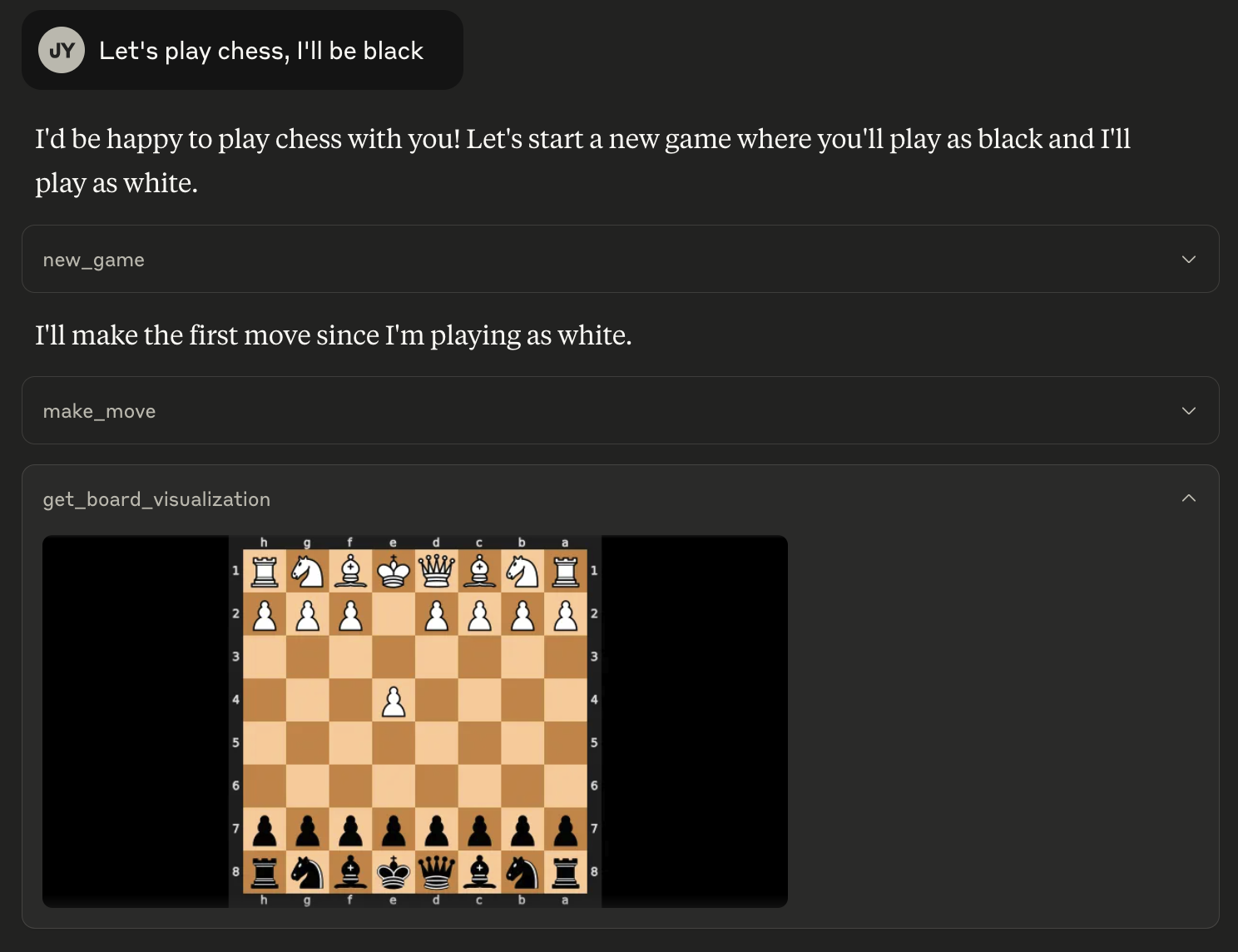
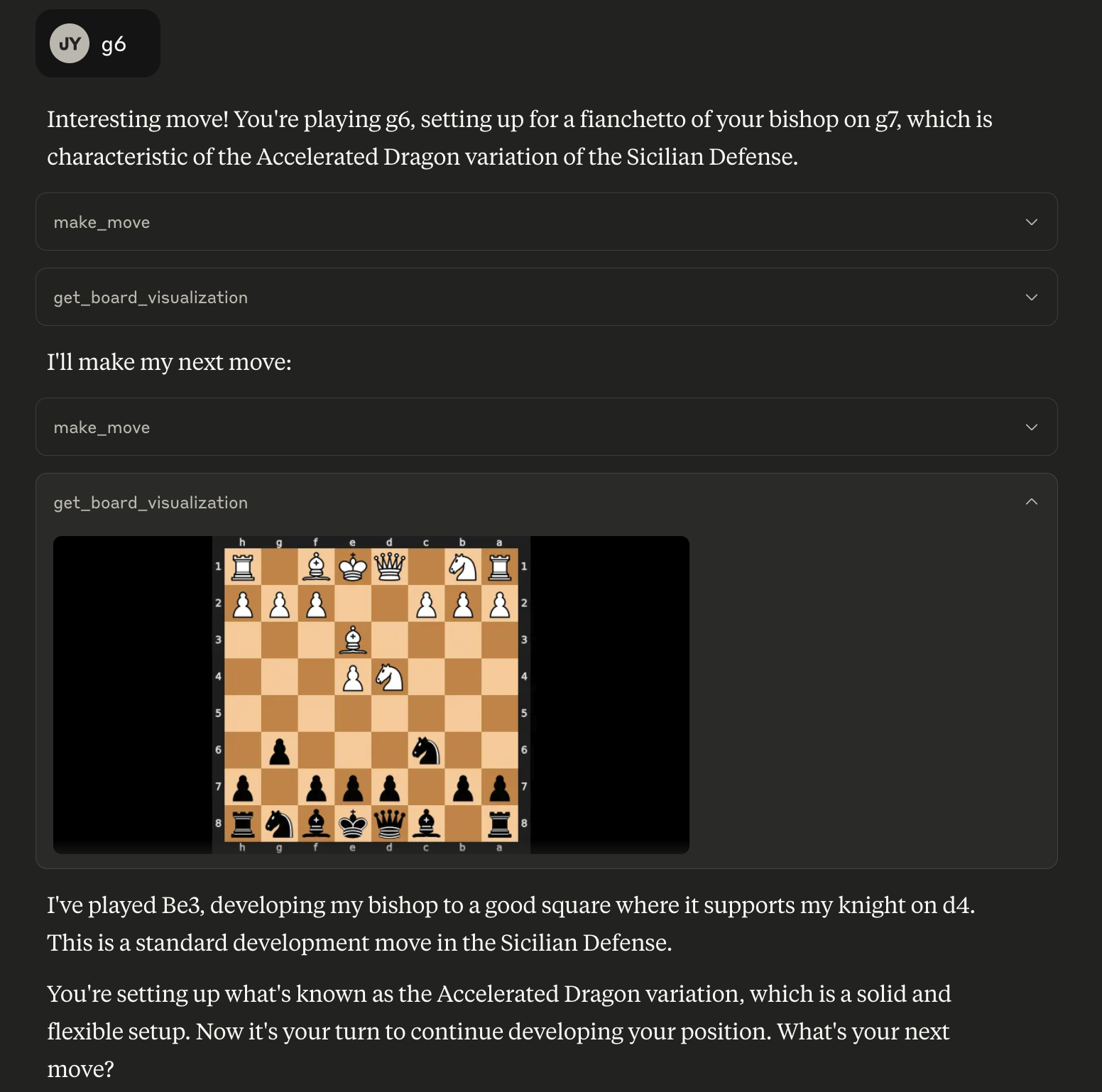
Play a game:
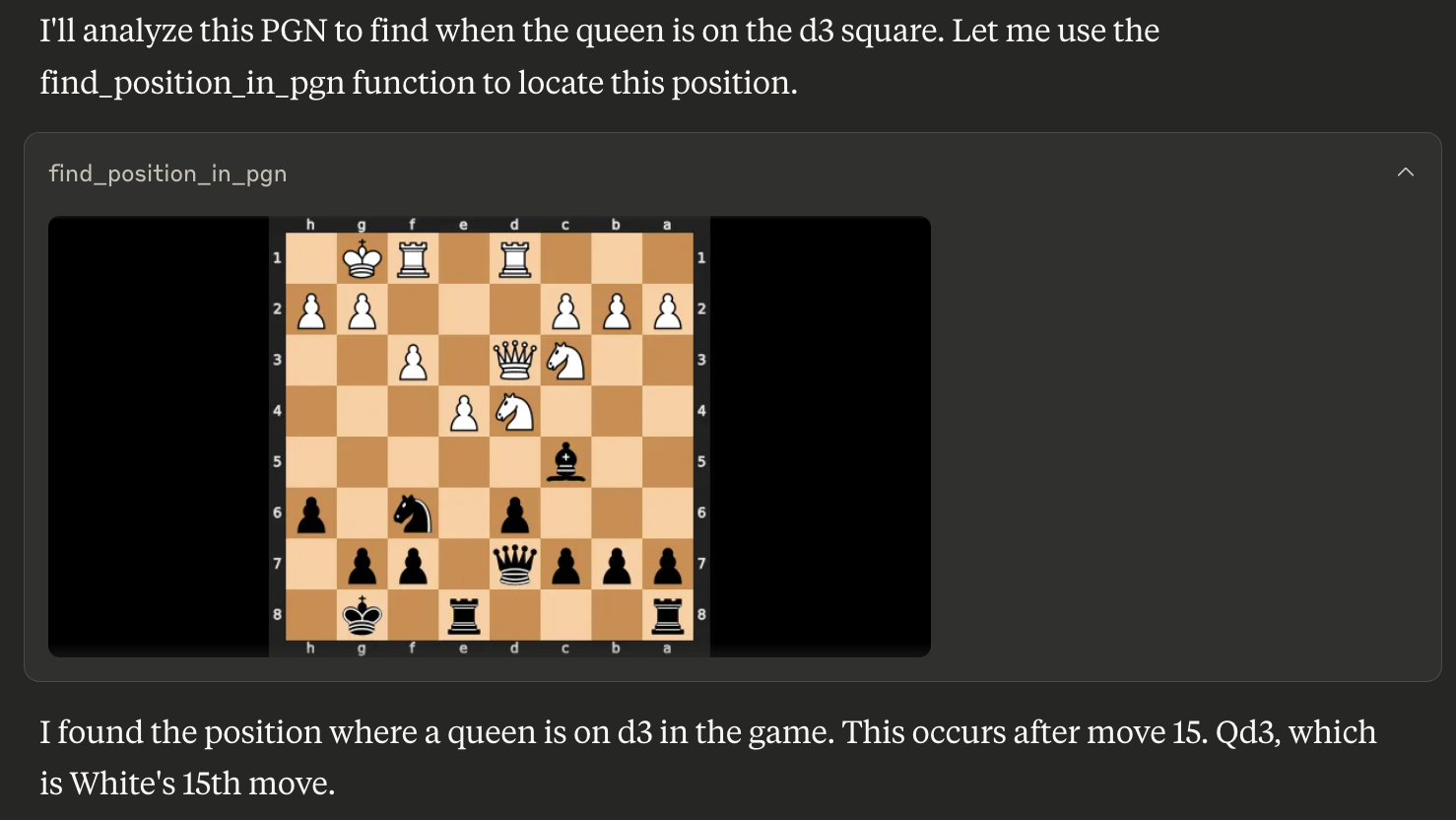
Find a position in a PGN for game analysis:
The server provides the following tools:
get_board_visualization(): Provides the current state of the chessboard as an image. The board orientation automatically flips based on the user's assigned color.get_turn(): Indicates whose turn it is ('white' or 'black').get_valid_moves(): Lists all legal moves for the current player in UCI notation (e.g., 'e2e4', 'g1f3'). Returns an empty list if the game is over.make_move(move_san: str): Makes a move on the board using Standard Algebraic Notation (SAN) (e.g., 'e4', 'Nf3', 'Bxe5'). Returns the move in SAN and UCI, the new board FEN, and game status.new_game(user_plays_white: bool = True): Starts a new game, resetting the board. By default, the user plays white. Sets the user's color for board orientation. Returns a confirmation message.find_position_in_pgn(pgn_string: str, condition: str): Finds the first board position in a PGN string matching a condition (e.g., "bishop on a3") and returns an image of that board state. The condition format is "piece_type on square_name". Valid piece types are "pawn", "knight", "bishop", "rook", "queen", "king".Install via CLI
npx mdskills install jiayao/mcp-chessMCP Chess Server is a free, open-source AI agent skill. This MCP let's you play chess against any LLM. To use this chess server, add the following configuration to your MCP config: Play a game: Find a position in a PGN for game analysis: The server provides the following tools: getboardvisualization(): Provides the current state of the chessboard as an image. The board orientation automatically flips based on the user's assigned color. getturn(): Indic
Install MCP Chess Server with a single command:
npx mdskills install jiayao/mcp-chessThis downloads the skill files into your project and your AI agent picks them up automatically.
MCP Chess Server works with Claude Code, Claude Desktop, Cursor, Vscode Copilot, Windsurf, Continue Dev, Gemini Cli, Amp, Roo Code, Goose. Skills use the open SKILL.md format which is compatible with any AI coding agent that reads markdown instructions.