
This Model Context Protocol (MCP) server provides a bridge between Claude and Google Tasks, allowing you to manage your task lists and tasks directly through Claude. This MCP server provides the following functionality: - list-tasklists - List all your task lists - get-tasklist - Get details about a specific task list - create-tasklist - Create a new task list - update-tasklist - Update an existin
npx mdskills install arpitbatra123/mcp-googletasksRelated
@arpitbatra123? Sign in with GitHub to claim this listing.Comprehensive MCP server with excellent setup docs, persistent auth, and robust Google Tasks integration
This Model Context Protocol (MCP) server provides a bridge between Claude and Google Tasks, allowing you to manage your task lists and tasks directly through Claude.
Note:
All (bar some edits) code in this project was "vibe coded" - generated with Claude/Copilot with instructions from me.
This MCP server provides the following functionality:
list-tasklists - List all your task listsget-tasklist - Get details about a specific task listcreate-tasklist - Create a new task listupdate-tasklist - Update an existing task listdelete-tasklist - Delete a task listlist-tasks - List all tasks in a task listget-task - Get details about a specific taskcreate-task - Create a new taskupdate-task - Update an existing taskdelete-task - Delete a taskcomplete-task - Mark a task as completedmove-task - Move a task (reorder or change parent)clear-completed-tasks - Clear all completed tasks from a list~/Library/Application Support/Claude/claude_desktop_config.json%APPDATA%\Claude\claude_desktop_config.json{
"mcpServers": {
"google-tasks": {
"command": "node",
"args": ["/path/to/google-tasks-mcp/build/index.js"],
"env": {
"GOOGLE_CLIENT_ID": "your_client_id_here",
"GOOGLE_CLIENT_SECRET": "your_client_secret_here",
"GOOGLE_REDIRECT_URI": "http://localhost:3000/oauth2callback"
}
}
}
}
Replace the path and credentials with your own values.
Environment Variables:
GOOGLE_CLIENT_ID (required) - Your Google OAuth Client IDGOOGLE_CLIENT_SECRET (required) - Your Google OAuth Client SecretGOOGLE_REDIRECT_URI (optional) - OAuth redirect URI (defaults to http://localhost:3000/oauth2callback)Note: The server validates that GOOGLE_CLIENT_ID and GOOGLE_CLIENT_SECRET are set at startup and will fail with clear error messages if they are missing or invalid.
npm install
npm run build
When you first use the Google Tasks MCP server:
authenticate tool to get an authorization URLset-auth-code tool with this code to complete authenticationNote: Your authentication tokens (including refresh tokens) are automatically saved to disk at ~/.config/google-tasks-mcp/credentials.json with restricted permissions (600). This means:
package.json engines)This MCP server includes the following improvements:
~/.config/google-tasks-mcp/credentials.json) with restricted permissions, so you only need to authenticate onceGOOGLE_REDIRECT_URI environment variable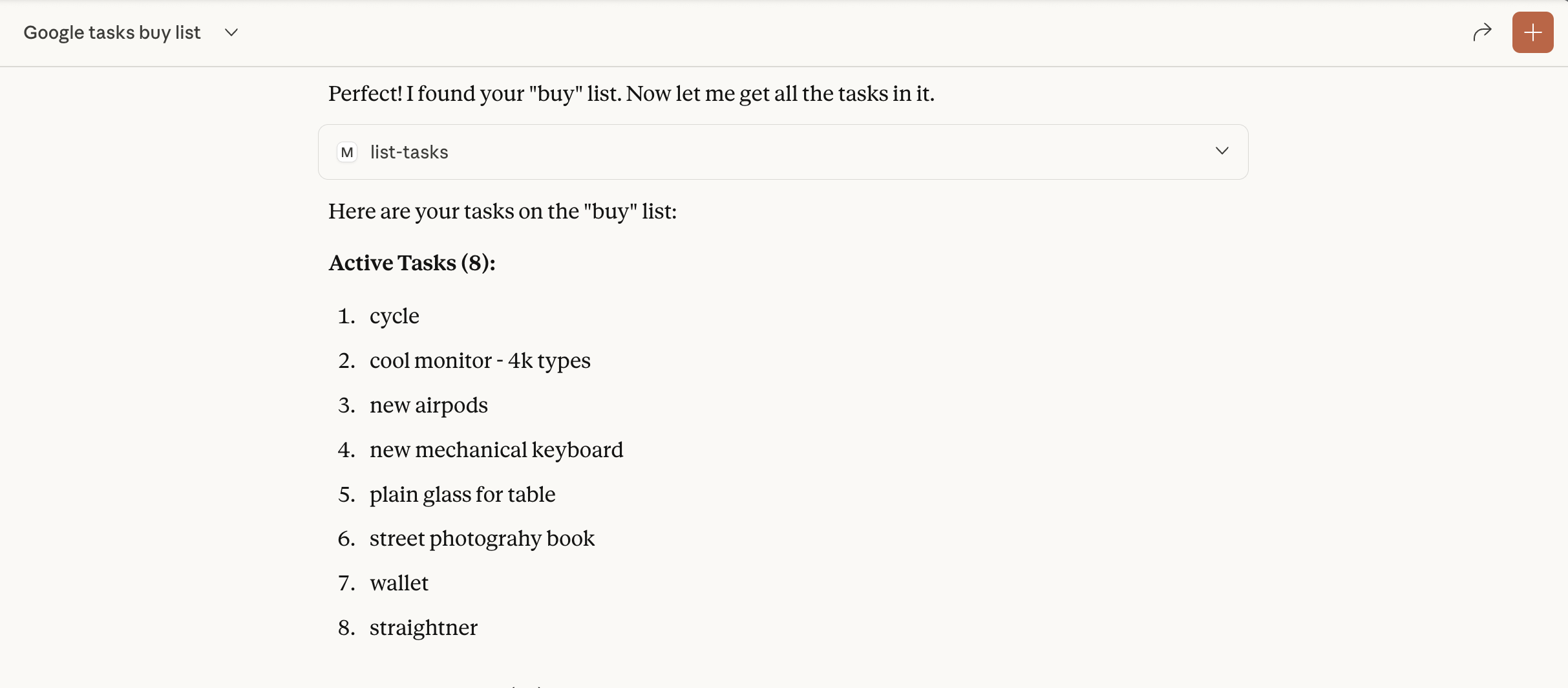
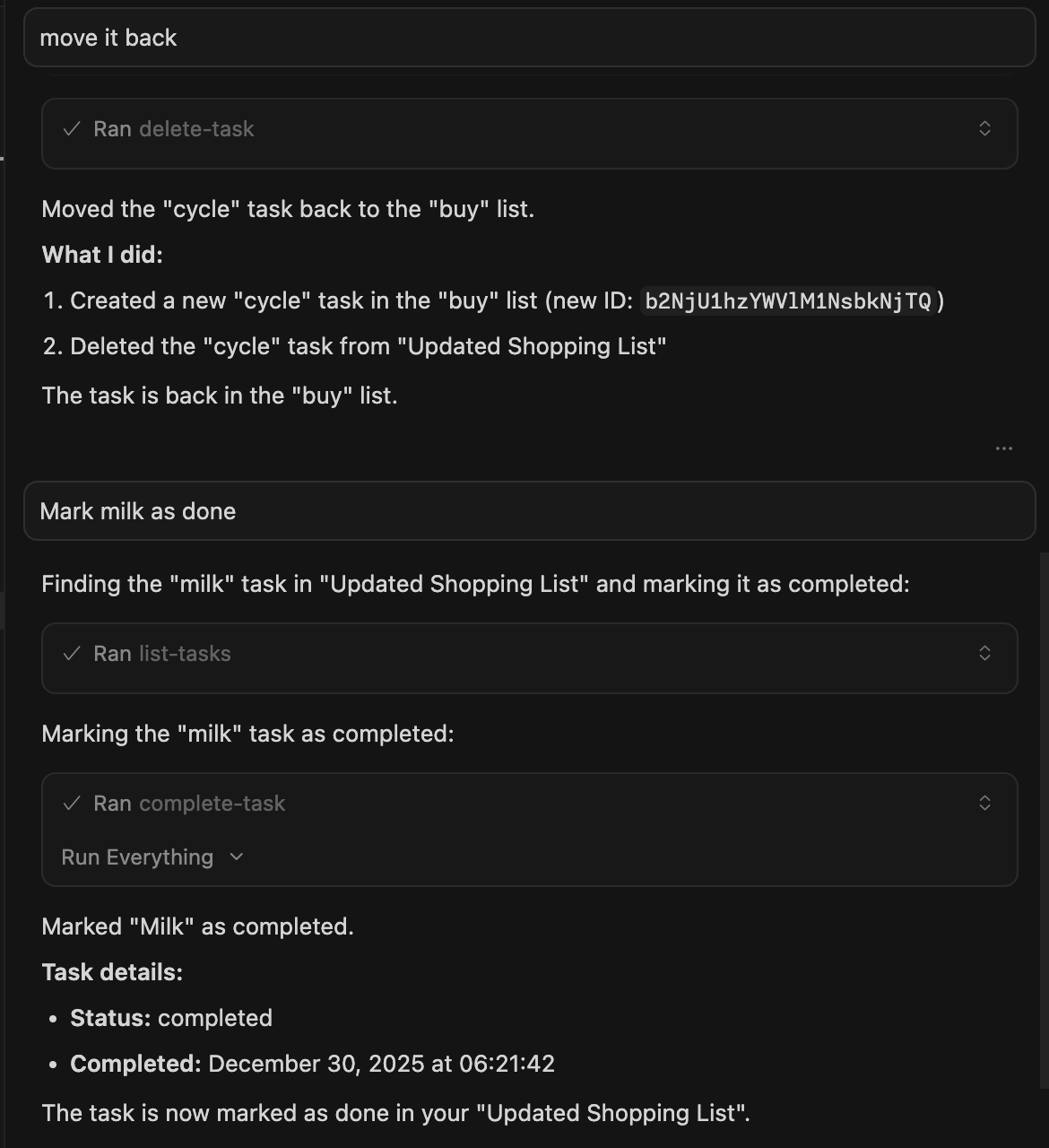
This project is for demonstration purposes only. Use at your own risk.
Install via CLI
npx mdskills install arpitbatra123/mcp-googletasksGoogle Tasks MCP Server is a free, open-source AI agent skill. This Model Context Protocol (MCP) server provides a bridge between Claude and Google Tasks, allowing you to manage your task lists and tasks directly through Claude. This MCP server provides the following functionality: - list-tasklists - List all your task lists - get-tasklist - Get details about a specific task list - create-tasklist - Create a new task list - update-tasklist - Update an existin
Install Google Tasks MCP Server with a single command:
npx mdskills install arpitbatra123/mcp-googletasksThis downloads the skill files into your project and your AI agent picks them up automatically.
Google Tasks MCP Server works with Claude Code, Claude Desktop, Cursor, Vscode Copilot, Windsurf, Continue Dev, Gemini Cli, Amp, Roo Code, Goose. Skills use the open SKILL.md format which is compatible with any AI coding agent that reads markdown instructions.