
MCP Assistant Web-based MCP client for remote servers and AI tool workflows. MCP Assistant addresses common pain points when working with the Model Context Protocol: - Connect to remote MCP servers from one interface - Manage multiple MCP servers from a single interface - Handle OAuth 2.0 and OpenID Connect flows without manual token juggling - Explore available tools and run them directly from th
npx mdskills install zonlabs/mcp-assistantRelated
@zonlabs? Sign in with GitHub to claim this listing.Web-based MCP client with gateway and multi-server management, but lacks per-tool permission detail
 MCP Assistant
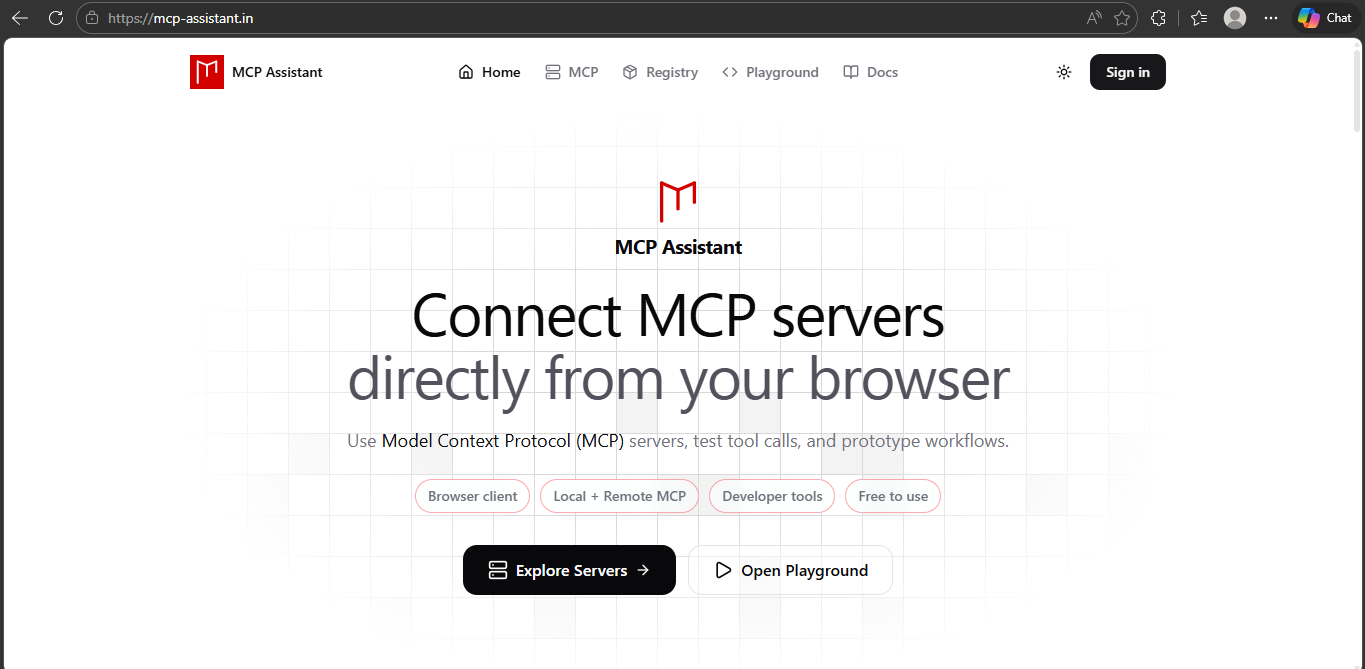 Web-based MCP client for remote servers and AI tool workflows.
MCP Assistant addresses common pain points when working with the Model Context Protocol:
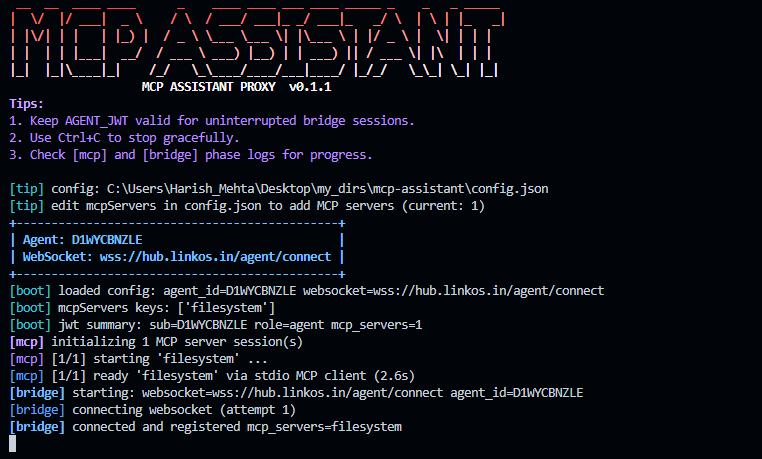
MCP Assistant includes a local gateway that exposes your configured MCP servers through one local endpoint, so desktop/web clients can connect without reconfiguring each remote server.
uvx mcpassistant-gateway
/login./start.flowchart TD
subgraph Browser["Browser"]
B[User Browser]
end
subgraph MCPA["MCP Assistant"]
subgraph UI["UI"]
direction TB
MAR["MCP Assistant Registry"]
MPR["Model Context Protocol Registry"]
PG["Playground"]
end
subgraph Backend["Backend"]
LA["LangGraph Agent"]
DB[("Database")]
end
end
subgraph External["External APIs"]
MCP_IO["modelcontextprotocol.io"]
end
subgraph ToolsResources["Tools / Resources"]
C7["Context7"]
DW["DeepWiki"]
end
B -- "HTTPS" --> UI
MAR -- "GraphQL" --> DB
PG -- "Execute" --> LA
MPR -- "HTTPS" --> MCP_IO
PG -- "AG-UI state (URL, transport, auth token, etc.)" --> LA
UI -- "MCP protocol" --> ToolsResources
LA -- "MCP protocol" --> ToolsResources
Add Server.Server NameServer URLSettings -> Connectors.Local MCP Access For Playground, click Refresh to detect local gateway servers.Contributions are welcome.
Please open an issue for major changes or submit a pull request directly for improvements and fixes.
Install via CLI
npx mdskills install zonlabs/mcp-assistantMCP Assistant is a free, open-source AI agent skill. MCP Assistant Web-based MCP client for remote servers and AI tool workflows. MCP Assistant addresses common pain points when working with the Model Context Protocol: - Connect to remote MCP servers from one interface - Manage multiple MCP servers from a single interface - Handle OAuth 2.0 and OpenID Connect flows without manual token juggling - Explore available tools and run them directly from th
Install MCP Assistant with a single command:
npx mdskills install zonlabs/mcp-assistantThis downloads the skill files into your project and your AI agent picks them up automatically.
MCP Assistant works with Claude Code, Claude Desktop, Cursor, Vscode Copilot, Windsurf, Continue Dev, Gemini Cli, Amp, Roo Code, Goose. Skills use the open SKILL.md format which is compatible with any AI coding agent that reads markdown instructions.