
Claude Code forgets everything between sessions. CogmemAi fixes that. One command. Claude Code remembers your architecture, patterns, decisions, bugs, and preferences — permanently. That's it. The setup wizard verifies your API key, configures Claude Code, and you're ready. Start Claude Code by typing claude and your memories are ready. Don't have an API key yet? Get one free at hifriendbot.com/de
npx mdskills install hifriendbot/cogmemai-mcpRelated
@hifriendbot? Sign in with GitHub to claim this listing.Comprehensive cloud-based memory system with semantic search, auto-extraction, and excellent setup automation
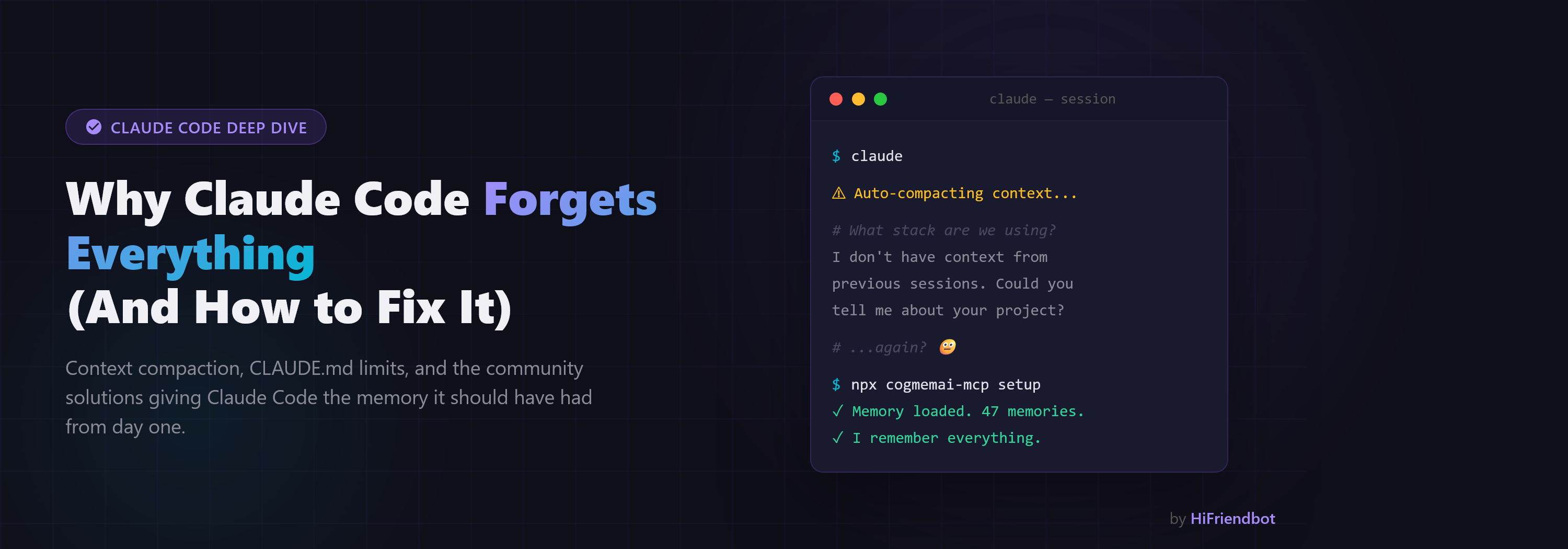
Claude Code forgets everything between sessions. CogmemAi fixes that.
One command. Claude Code remembers your architecture, patterns, decisions, bugs, and preferences — permanently.
npx cogmemai-mcp setup
That's it. The setup wizard verifies your API key, configures Claude Code, and you're ready. Start Claude Code by typing claude and your memories are ready.
Don't have an API key yet? Get one free at hifriendbot.com/developer.
Every time you start a new Claude Code session, you lose context. You re-explain your tech stack, your architecture decisions, your coding preferences. Claude Code's built-in memory is a 200-line flat file with no search, no structure, and no intelligence.
CogmemAi gives Claude Code a real memory system:
Every local memory solution has the same problems: database corruption, memory leaks, version conflicts, complex setup. claude-mem (13K+ stars) leaks 15GB+ of RAM. mcp-memory-service released v10.0.0 marked "BROKEN."
CogmemAi runs extraction and search server-side. Your MCP server is a thin HTTP client — zero local databases, zero RAM issues, zero crashes.
When Claude Code compacts your context (auto or manual), conversation history gets compressed and context is lost. CogmemAi handles this automatically with two hooks:
The result: seamless recovery. Claude responds with full context after compaction — no re-explaining, no manual prompting.
The npx cogmemai-mcp setup command installs both hooks automatically into ~/.claude/settings.json. Hooks are session-specific — multiple terminals won't interfere with each other.
npx cogmemai-mcp setup          # Interactive setup wizard
npx cogmemai-mcp setup     # Setup with API key
npx cogmemai-mcp verify         # Test connection and show usage
npx cogmemai-mcp --version      # Show installed version
npx cogmemai-mcp help           # Show all commands
If you prefer to configure manually instead of using npx cogmemai-mcp setup:
Option A — Per project (add .mcp.json to your project root):
{
  "mcpServers": {
    "cogmemai": {
      "command": "cogmemai-mcp",
      "env": {
        "COGMEMAI_API_KEY": "cm_your_api_key_here"
      }
    }
  }
}
Option B — Global (available in every project):
claude mcp add cogmemai cogmemai-mcp -e COGMEMAI_API_KEY=cm_your_api_key_here --scope user
| Editor | Setup |
|---|---|
| Claude Code | npx cogmemai-mcp setup (automatic) |
| Cursor | Add to ~/.cursor/mcp.json |
| Windsurf | Add to ~/.codeium/windsurf/mcp_config.json |
| Cline | VS Code settings → Cline MCP Servers |
| Continue | Add to ~/.continue/config.yaml |
All editors use the same config format — see the setup guides for each editor.
CogmemAi provides 12 tools that Claude Code uses automatically:
| Tool | Description |
|---|---|
save_memory | Store a fact explicitly (architecture decision, preference, etc.) |
recall_memories | Search memories using natural language (semantic search) |
extract_memories | Ai extracts facts from a conversation exchange automatically |
get_project_context | Load top memories at session start (with optional context for smart ranking) |
list_memories | Browse memories with filters (paginated) |
update_memory | Update a memory's content, importance, or scope |
delete_memory | Permanently delete a memory |
get_usage | Check your usage stats and tier info |
export_memories | Export all memories as JSON for backup or transfer |
import_memories | Bulk import memories from a JSON array |
ingest_document | Feed in a document (README, API docs) to auto-extract memories |
save_session_summary | Save a summary of what was accomplished in this session |
Build your own integrations with the CogmemAi API:
npm install cogmemai-sdk — npm · GitHubpip install cogmemai — PyPI · GitHubMemories are categorized for better organization and retrieval:
git remote.| Free | Pro | Team | Enterprise | |
|---|---|---|---|---|
| Price | $0 | $14.99/mo | $39.99/mo | $99.99/mo |
| Memories | 1,000 | 2,000 | 10,000 | 50,000 |
| Extractions/mo | 500 | 2,000 | 5,000 | 20,000 |
| Projects | 5 | 20 | 50 | 200 |
Start free. Upgrade when you need more.
Read our full privacy policy.
| Variable | Required | Description |
|---|---|---|
COGMEMAI_API_KEY | Yes | Your API key (starts with cm_) |
COGMEMAI_API_URL | No | Custom API URL (default: hifriendbot.com) |
Your Terminal                          CogmemAi Cloud
┌──────────────┐                     ┌─────────────────────┐
│ Claude Code  │                     │ 3-Layer Memory      │
│              │                     │                     │
│ cogmemai-mcp │ ──── HTTPS ────►    │ 1. Ai Extraction    │
│ (MCP Server) │ ◄──── JSON ────    │ 2. Semantic Search  │
│              │                     │ 3. Time-Aware Rank  │
└──────────────┘                     └─────────────────────┘
MIT — see LICENSE
Built by HiFriendbot — Better Friends, Better Memories, Better Ai.
Install via CLI
npx mdskills install hifriendbot/cogmemai-mcpCogmemAi — Cognitive Memory for Claude Code is a free, open-source AI agent skill. Claude Code forgets everything between sessions. CogmemAi fixes that. One command. Claude Code remembers your architecture, patterns, decisions, bugs, and preferences — permanently. That's it. The setup wizard verifies your API key, configures Claude Code, and you're ready. Start Claude Code by typing claude and your memories are ready. Don't have an API key yet? Get one free at hifriendbot.com/de
Install CogmemAi — Cognitive Memory for Claude Code with a single command:
npx mdskills install hifriendbot/cogmemai-mcpThis downloads the skill files into your project and your AI agent picks them up automatically.
CogmemAi — Cognitive Memory for Claude Code works with Claude Code, Claude Desktop, Cursor, Vscode Copilot, Windsurf, Continue Dev, Gemini Cli, Amp, Roo Code, Goose. Skills use the open SKILL.md format which is compatible with any AI coding agent that reads markdown instructions.